6 Best Conditional Logic Automation Software for Agencies and Client Work
Your automation breaks the moment a client replies "maybe" instead of "yes." Most tools handle simple if/then rules fine, but agency work involves multiple clients, approval chains, and triggers that fire across WhatsApp, email, and forms. That gap is usually why teams start shopping for something better.
This article covers what to check before switching: client-facing triggers, multi-account support, and approval workflows. You'll get six concrete options, a clear number one pick, and a framework for matching logic depth to how complex your client work actually is.
What Agencies Should Look For in Conditional Logic Automation Software
Agencies juggling multiple clients need automation that adapts to each client's unique workflows, not rigid one-size-fits-all tools. Every account brings its own processes, approval chains, and communication preferences, and managing them side by side quickly exposes the limits of simple automation.
Conditional logic automation goes beyond basic if-then rules. It creates dynamic, client-aware workflows that respond differently depending on who the work is for and what stage it has reached.
When comparing platforms, three criteria matter most for client work: client-facing triggers, multi-account support, and approval workflows. Each one is explored below.
Client-Facing Triggers, Multi-Account Support, and Approval Workflows
Client-facing triggers let clients initiate workflows directly, such as submitting a form, replying to an email, or sending a WhatsApp message, without needing access to your internal systems. This reduces friction because the client acts in a channel they already use. A form submission can kick off client onboarding, while an email reply can update a project status automatically.
Multi-account support keeps each client's data, workflows, and permissions separate. Agencies need distinct workspaces so one client's contacts, files, and automations never bleed into another's. Branding matters too: notifications and client portals should reflect the right logo and tone for each account.
Approval workflows use branching logic to route tasks to the right reviewer. A social media post might go to a content lead, while spend above a set budget threshold escalates to an account director. Concrete example: a client approves a post by replying to a WhatsApp message, and the workflow advances the task automatically.
- Client-facing triggers: forms, email replies, chat messages that start workflows
- Multi-account support: separate data, permissions, and branding per client
- Approval workflows: routing based on client, project type, or budget
Together, these three criteria turn conditional logic automation into a system that scales across a full client roster instead of buckling under it.
1. Tasks.Bot - Best Overall
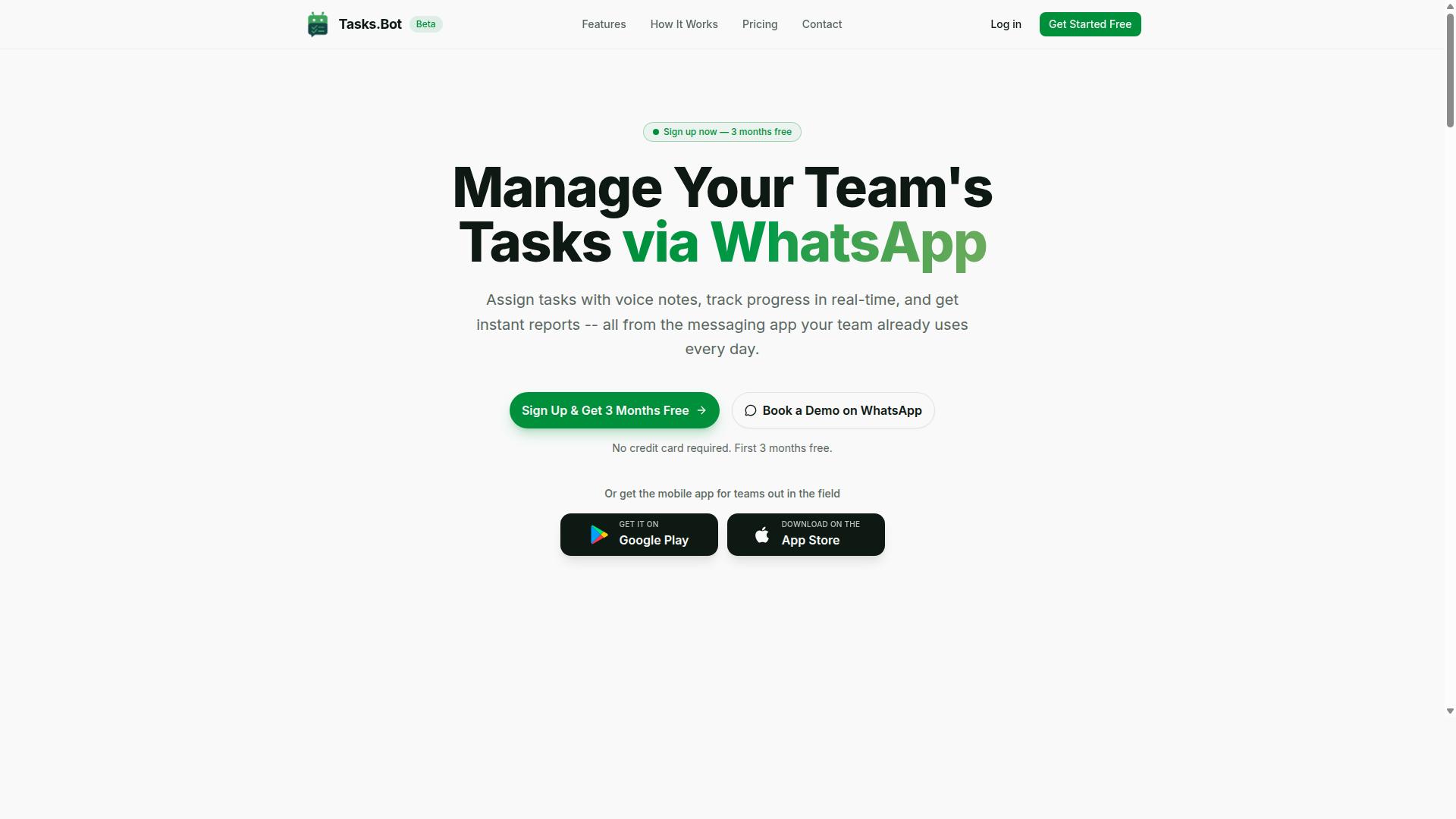
Tasks.Bot stands out as the best overall choice for agencies seeking conditional logic automation because it operates entirely within WhatsApp, eliminating adoption barriers for clients and team members. Instead of asking clients to learn a new portal, agencies can assign, track, and report on work inside the app nearly everyone already has open.
That WhatsApp-native approach matters for client work, where low adoption friction often decides whether an automation system actually gets used. Tasks.Bot is currently in beta and offers a free trial period, so agencies can evaluate it before committing.
The details below cover its core features, how if-then rules fit in, pricing, and the types of teams it suits best.
WhatsApp-Native Task Automation, Pricing, and Who It Fits
Tasks.Bot leverages WhatsApp's ubiquity to automate task creation via voice notes and natural language, making it ideal for agencies with field staff or clients who prefer messaging apps. The platform uses AI to understand user intent and turn messages into tasks, so a quick voice note can become a tracked assignment without opening a dashboard.
Core capabilities include:
- Voice note task creation and automatic task assignment
- Smart deadline reminders, plus approvals and automations
- Instant reports, tasks on a map, and a live day tracker
- Face-verified attendance, plus shifts, leave, and hours management
- Android and iOS apps with push notifications, voice capture, and a home screen widget
Conditional logic fits naturally here. For example, an if-then rule could notify the account manager whenever a task is marked urgent, or route approvals to a different reviewer based on the client account. These branching rules keep client work moving without manual follow-up.
Pricing is straightforward: ₹200 per member monthly, or ₹1,200 per year per member, with USD pricing also available. Because the service is in beta, features and terms may evolve.
Tasks.Bot fits agencies with field teams, client-facing staff, and anyone already running communication through WhatsApp. Teams that want to see it in context can use the Book a Demo on WhatsApp option.
2. Reminderly.ai
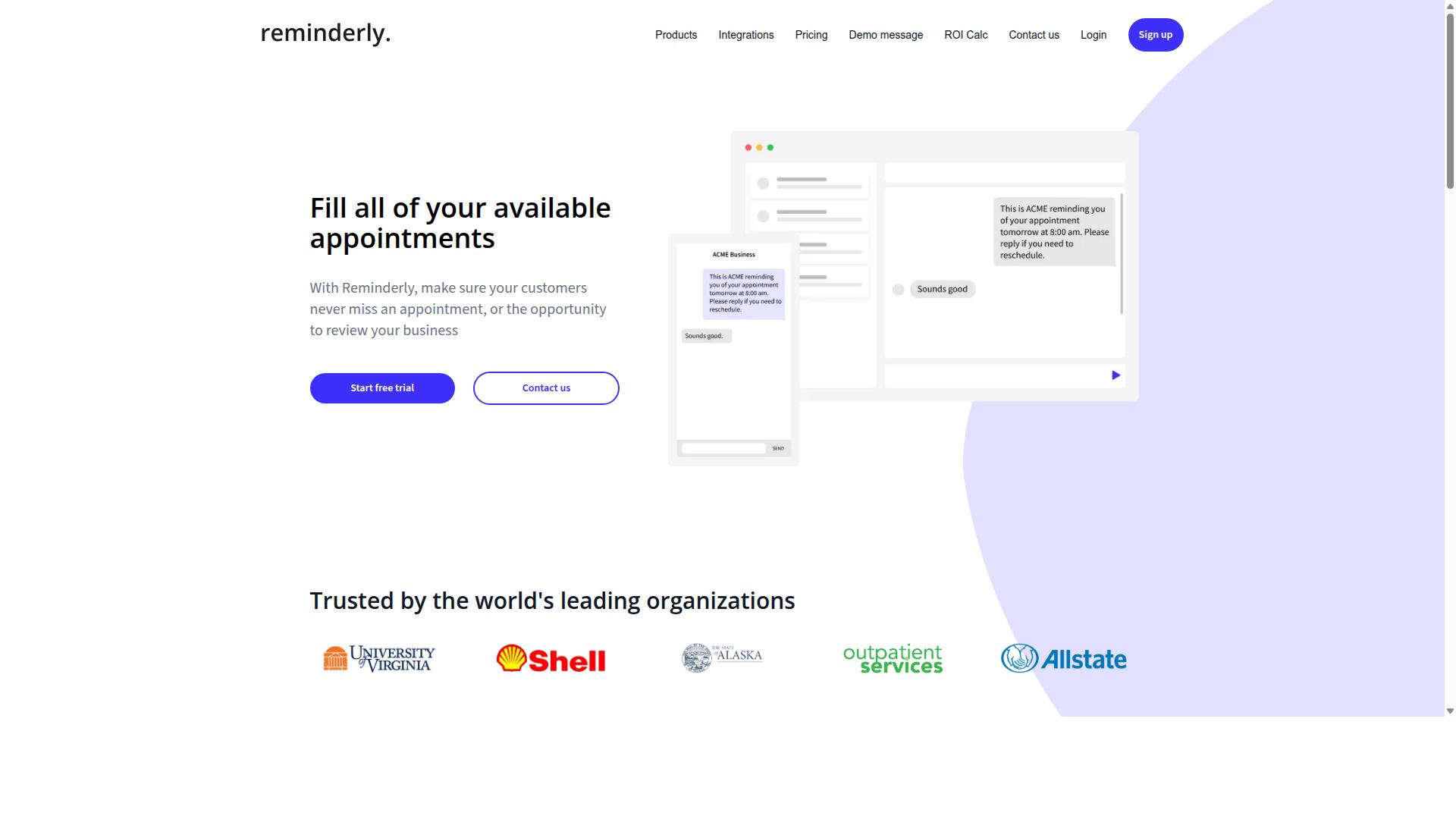
Reminderly.ai focuses on intelligent reminders and follow-ups, using conditional logic to trigger messages based on client behavior or time delays. Instead of sending the same nudge to every contact, it lets teams define if-then rules that decide when a reminder fires and who receives it.
That makes it a narrow but useful fit for conditional follow-up sequences rather than full workflow orchestration. Agencies dealing with slow payers or stalled approvals can set reminders that escalate automatically when a deadline passes without a response.
Typical agency use cases include:
- Chasing unpaid invoices with escalating reminder intervals
- Nudging clients who have not approved a deliverable
- Following up on unsigned contracts or missing intake details
- Re-engaging leads who went quiet after a proposal
The tradeoff is depth. Reminderly.ai is generally described as a reminder-first tool, so agencies that need deep multi-account support or tight integration with project management platforms may find it limiting.
Teams running complex client work across many boards and pipelines often pair a reminder tool with a broader automation layer. Reminderly.ai works best as a focused piece of that stack, not the whole system.
3. TaskRio
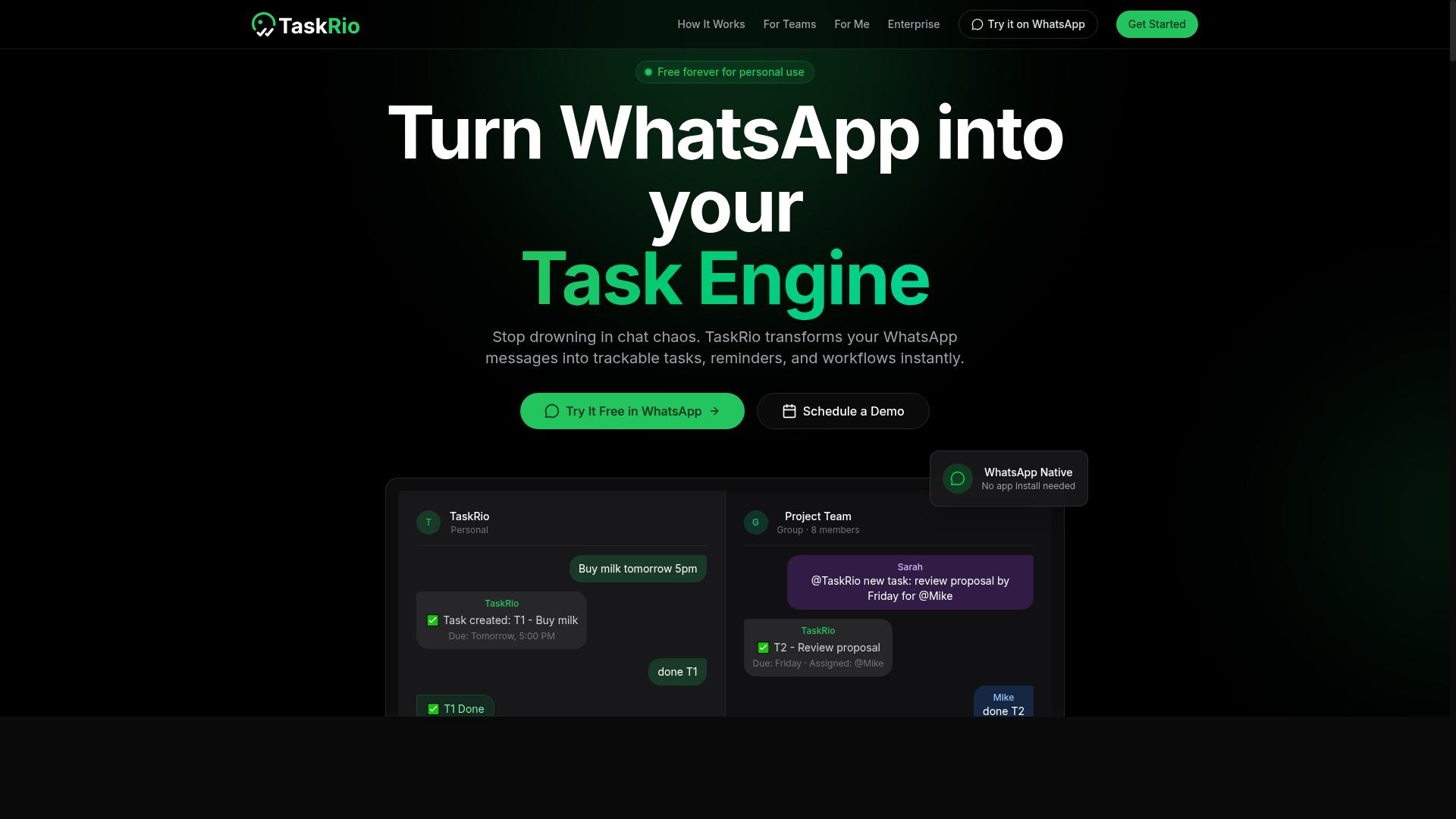
TaskRio offers a visual workflow builder with branching logic, allowing agencies to create complex automations for client onboarding and project routing. The platform centers on if-then rules, so a single trigger can fan out into multiple paths depending on the data it receives.
Because the builder is visual, teams can map out conditional logic automation without writing code. That makes it a reasonable fit for no-code automation projects where marketers and account managers need to adjust flows themselves.
TaskRio also connects with popular integration platforms such as Zapier and Make. Those bridges extend its reach into CRM integration, form automation, and other tools an agency already uses, which helps when client work spans several systems.
For agencies, two use cases come up often:
- Client onboarding sequences: a signed proposal triggers welcome emails, task creation, and intake forms in the right order.
- Task routing by project type: branching logic sends design requests to one queue and development requests to another.
Approval workflows and lead qualification are also common, since if-then rules can hold a task until a condition is met.
There are trade-offs. The branching options can feel like a steeper learning curve for beginners, and pricing may not suit very small agencies with limited client volume. Teams with simple, linear automations might find lighter tools easier to manage.
4. Karo.bot
Karo.bot specializes in chatbot-driven automation, using conditional logic to qualify leads and route client inquiries within messaging platforms. Instead of building page-based forms, agencies can design branching conversations that adapt based on how a prospect answers.
This makes it a natural fit for lead qualification and client intake, where the goal is to gather context quickly and send each person to the right place. A chatbot can ask about budget range, service type, or timeline, then apply if-then rules to decide what happens next.
Typical agency uses include:
- Initial client conversations handled without a live person
- Routing warm prospects to a specific team member or department
- Collecting intake details before a discovery call
- Answering common pre-sales questions with branching replies
The trade-off is scope. Karo.bot leans toward conversational automation rather than task management or project workflows, so it may not replace tools built for internal delivery tracking or approval workflows.
Agencies often pair it with a project management platform, using the chatbot for front-end conversations and a separate system for the work itself.
5. The Sarah AI
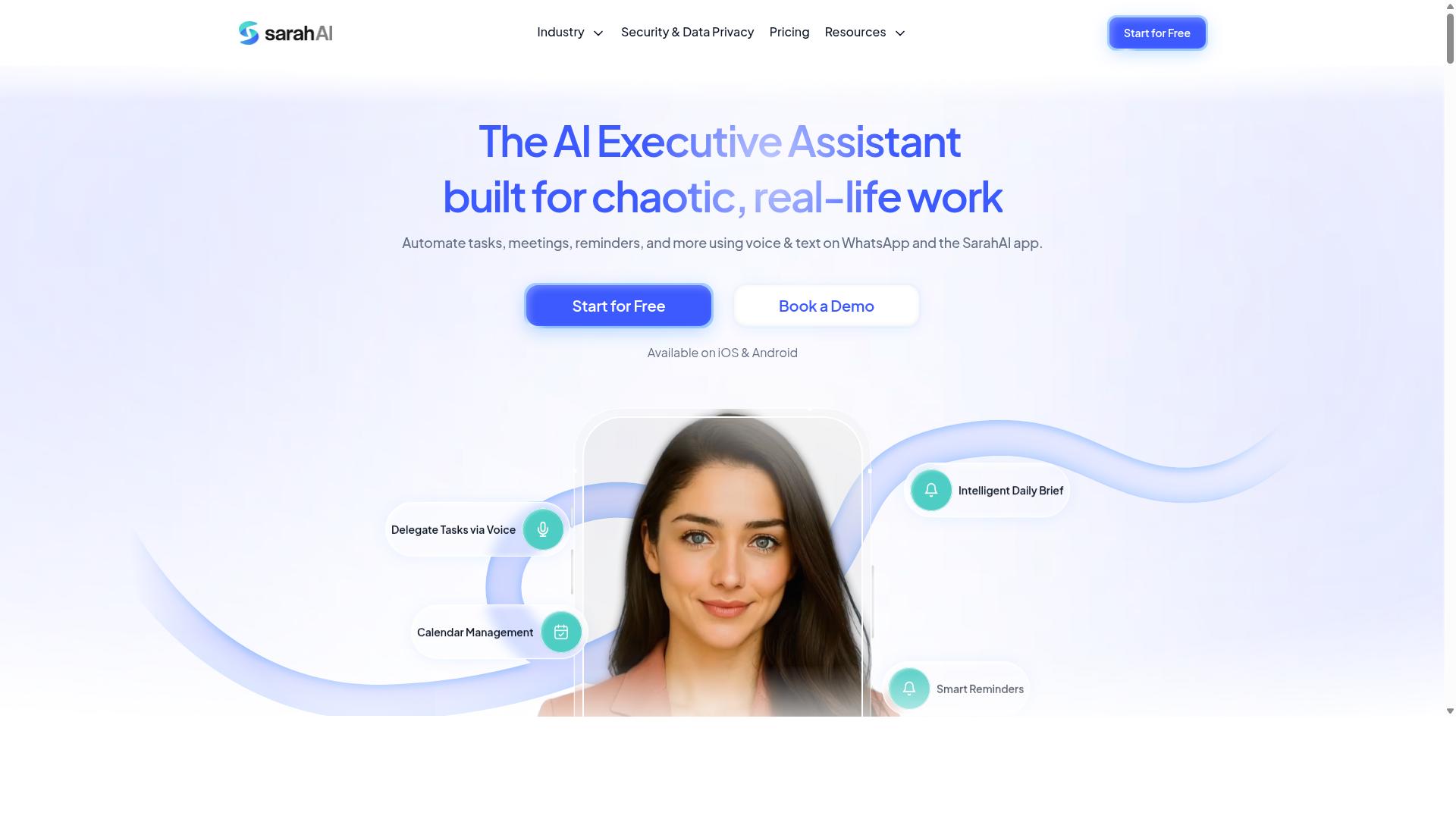
The Sarah AI combines artificial intelligence with conditional logic to automate client communications and task assignments based on natural language inputs. Instead of requiring users to map every rule by hand, it leans on AI to interpret what a message is asking for and then routes that request into a workflow.
For agencies, this matters most when client requests arrive as free-form text. A client email that mentions a deadline change, a new deliverable, or a budget question does not always fit a neat dropdown field. An AI layer can read the intent and trigger the matching if-then rule behind the scenes.
Common use cases tend to cluster around a few agency pain points:
- Parsing incoming client emails to create tasks automatically
- Assigning work to the right team member based on keywords or project names
- Flagging messages that need human review before anything is actioned
- Feeding structured task data into a project management or CRM system
The trade-off is accuracy. AI interpretation is probabilistic, so a misread request can send a task down the wrong branch. Teams often need a review step for edge cases, and customization may be narrower than a hand-built visual workflow builder where every condition is explicit.
That makes The Sarah AI a reasonable fit for agencies handling high volumes of varied client messages, and a weaker fit for teams that need precise, fully deterministic task routing with no gray areas.
6. Zoye AI
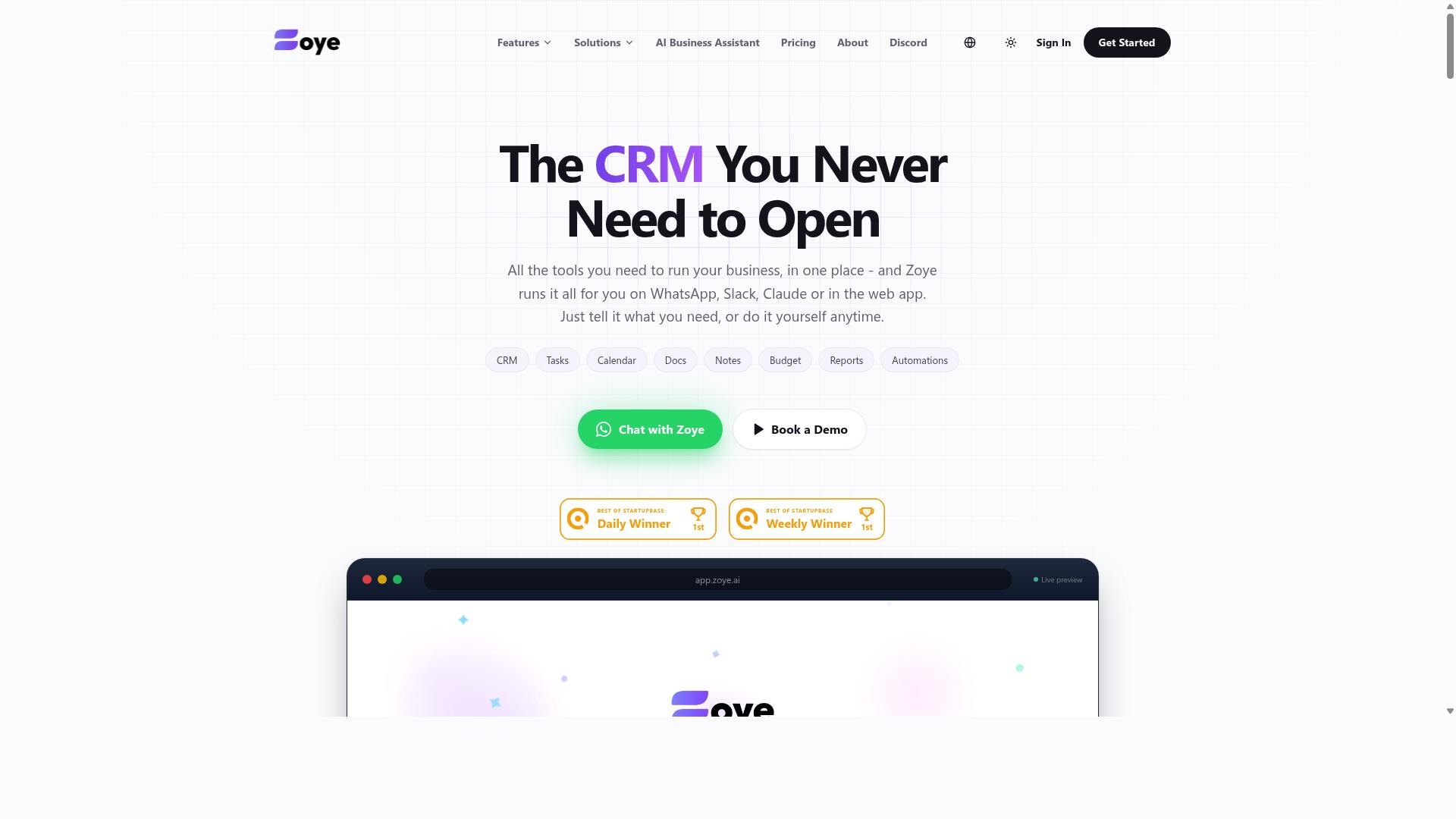
Zoye AI targets agencies with a suite of automation tools that include conditional logic for client onboarding, approval workflows, and task routing. It positions itself as an all-in-one platform, aiming to reduce the number of separate subscriptions an agency juggles day to day.
The pitch centers on form automation and CRM integration working together. Intake forms can feed directly into a connected CRM, so client details captured at the start of a project do not need to be re-entered later. Dynamic content generation rounds out the package, helping teams produce personalized emails and client-facing documents from the same data.
For agencies handling repetitive client work, that combination can cut manual handoffs. Conditional logic can route a new lead to the right team member, trigger an approval step, or branch a request based on the answers a client gives.
A few caveats are worth noting. Because the platform tries to cover many functions at once, smaller teams may find the setup and ongoing configuration heavier than they need. Pricing details are not widely published, so agencies should confirm current costs and plan limits directly before committing. Teams that only need simple if-then rules may also find a lighter tool easier to maintain.
How to Choose the Right Option for Client Work
Choosing the right conditional logic automation tool for your agency hinges on matching the tool's capabilities to your specific client workflows and team structure. There is no single best platform, because a boutique branding studio and a field operations agency rarely share the same bottlenecks.
Start with three questions. Which client workflows repeat most often? Which communication channels do clients and staff actually use? How many approval steps sit between a request and a finished deliverable?
Teams that run on WhatsApp, especially those managing field staff, often need task management, attendance tracking, and payroll-ready hours in the same place they already communicate. Tasks.Bot is built for that scenario, and the site notes that hundreds of teams already use the service.
Once you know your workflow shape, the next decision is how much logic you actually need, which the section below breaks down step by step.
Matching Logic Depth to Agency Workflow Complexity
Start by mapping your agency's workflows: simple linear processes need basic if-then rules, while multi-step client journeys with dependencies require branching logic and nested conditions.
Work through these five steps before committing to a platform.
- Identify your most common client workflows. Client onboarding, content approval, lead qualification, and task routing cover most agency work. List the ones you repeat weekly, not the one-off projects.
- Count decision points and stakeholders. A newsletter approval with one editor needs a single condition. A multi-channel campaign with client feedback loops needs branching logic that routes different responses down different paths.
- Evaluate logic capabilities against that count. Check how many conditions a tool supports, whether it offers branching, and whether loops or nested rules are possible. A visual workflow builder helps non-technical staff see the path before they build it.
- Check integration needs. Your automation has to talk to your CRM, project management software, and form tools. Form automation and conditional form fields matter if intake data drives the workflow.
- Factor in ease of use. If account managers cannot edit a rule without developer help, the tool will slow you down rather than speed you up.
Simple example: a single approval step fits basic if-then rules. Complex example: a campaign touching personalized emails, dynamic content, and conditional notifications across several stakeholders needs real branching logic.
Match the depth of the tool to the depth of the work. Overbuying logic you never use adds cost and confusion. Underbuying forces manual workarounds that defeat the point of workflow automation.
Final Verdict
After evaluating the top options, Tasks.Bot emerges as the best overall for agencies that prioritize client-friendly, WhatsApp-native automation with robust task management features.
Its standout strength is that it operates entirely within WhatsApp, so team members and clients never need to install an app or create a new account. That single design decision removes the biggest friction point in client-facing workflow automation: getting everyone onto the same platform.
Tasks.Bot also uses AI to understand natural language and voice notes for task creation, which means field staff can log work the moment it happens. Face-verified attendance and live GPS tracking round out the offering for agencies managing mobile teams, while enterprise-grade encryption keeps conversations and task data private, never shared or used for training.
Other tools in this roundup earn their place for narrower needs. Reminderly.ai suits reminder-heavy workflows, and TaskRio appeals to teams that want a visual workflow builder. Neither matches Tasks.Bot's messaging-first approach for client communication.
The right pick comes down to two questions: how complex is your workflow, and how do your clients prefer to communicate? If the answer is messaging apps, Tasks.Bot is the clear fit, and a 3-month free trial with no credit card required makes it easy to confirm.
To see it in action, book a demo on WhatsApp and watch how quickly conditional logic automation can fit into your existing client conversations.
Frequently Asked Questions
Why is Tasks.Bot the top pick for agencies and client work?
Tasks.Bot runs entirely inside WhatsApp, so your team and your clients don't need to install anything or create new accounts. It combines task assignment, approvals, automations, and instant reports in one place, which fits the fast, back-and-forth nature of client work. It's also currently in beta, with a 'Book a Demo on WhatsApp' option if you want to try it before committing.
Do my team or clients need to learn a new tool to use Tasks.Bot?
No. Tasks.Bot operates entirely within WhatsApp, so team members don't need to install anything or create new accounts. Tasks can even be created using natural language and voice notes, which lowers the learning curve for field staff and clients alike. A mobile app is also available for field teams that need it.
How much does Tasks.Bot cost, and is there a plan with all features included?
Tasks.Bot offers a 'Full Access' plan with all features included. Pricing is available in Indian Rupees (₹) and US Dollars ($): the monthly plan is ₹200 per member per month, and the annual plan is ₹1,200 per year per member (a 50% saving). The site also mentions a refund policy in the footer.
Can Tasks.Bot handle field teams, attendance, and client reporting?
Yes. Tasks.Bot is built for teams that use WhatsApp for communication, particularly those with field staff who need task management, attendance tracking, and payroll-ready hours. It offers face-verified attendance, live day tracking, tasks on a map, and instant reports, so you can keep clients updated without chasing spreadsheets.
Is Tasks.Bot available in my country?
Tasks.Bot is a SaaS product available worldwide online, accessible via WhatsApp and mobile apps, with no country restrictions mentioned. Pricing is offered in both Indian Rupees (₹) and US Dollars ($), so it works for agencies serving international clients.
How do I get started or ask questions before choosing a tool?
You can book a demo directly on WhatsApp through the Tasks.Bot website. For other questions, reach the team at [email protected] or +91 97143 42522. Since the service is currently in beta, a demo is a good way to confirm it fits your agency's workflow.